How to Build a Server Room in Your House for Local AI
Building a server room in a house starts with the power and heat your hardware will produce, not with the rack. Estimate the total IT load in kilowatts, confirm your electrical service can carry it continuously on dedicated 240 V circuits, and plan cooling that removes about 3,412 BTU per hour for every kilowatt, 24 hours a day. Then add a UPS and standby generator or battery backup, and have an engineer review the design before you buy equipment.
What We Provide
Related Solutions
Turnkey Home Server Room Buildouts
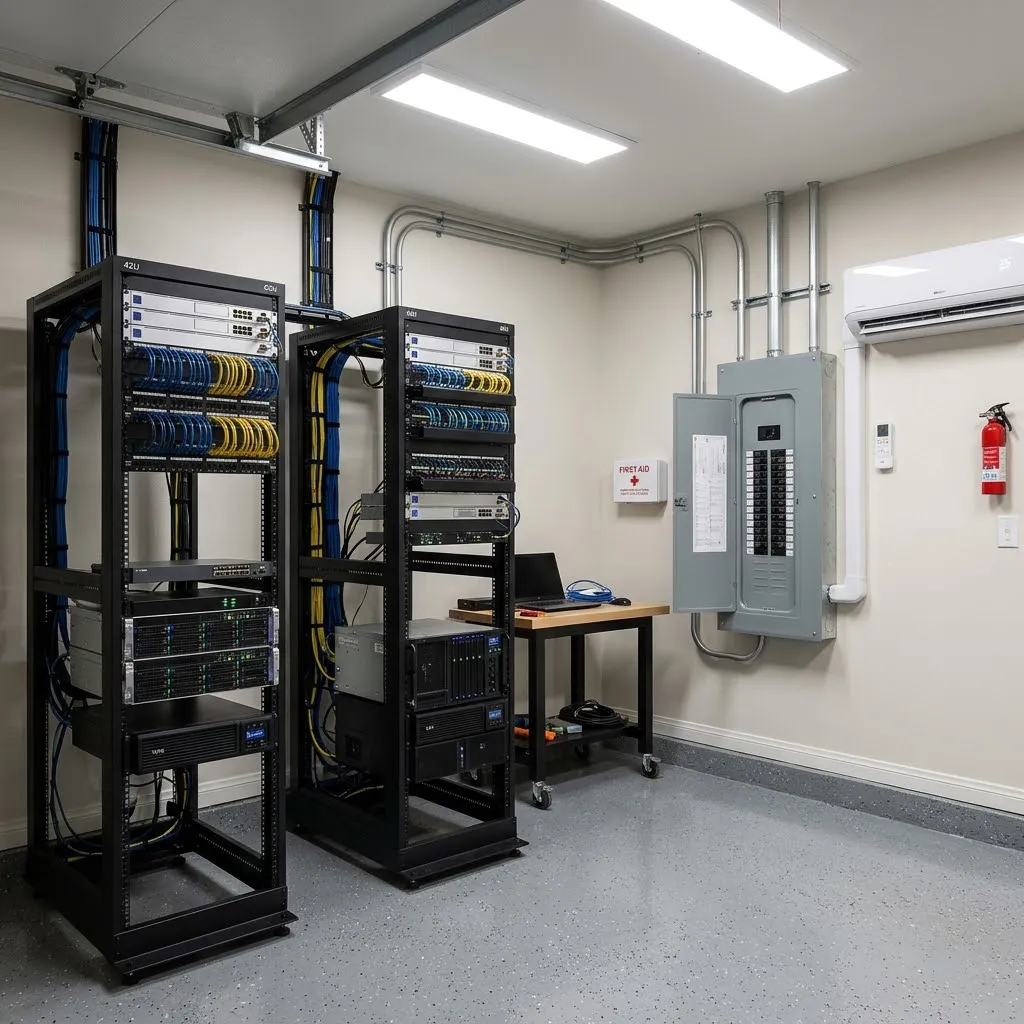
Comp-Utility manages the full electrical and mechanical scope of a home AI server room under one contract.
Learn moreHome Server Room Equipment
UPS, cooling, racks, rack PDUs, cabling, and standby generators sized for 10 to 50 kW residential rooms.
Learn moreUPS Sizing
How to size a UPS to your load and runtime, the first step in protecting servers from outages.
Learn moreStart With the Load, Not the Rack
Add up the maximum power draw of everything that will live in the room, in kilowatts. A multi-GPU workstation may draw a few kilowatts, while a single 8-GPU server can draw 10 kW or more. The home AI rooms Comp-Utility builds typically run 10 to 50 kW of IT load.
Use the nameplate or vendor-published maximum, not idle draw, because AI training and inference can hold GPUs near full power for hours. Then add headroom for the hardware you expect to add over the next few years.
Confirm Your Electrical Service Can Carry It
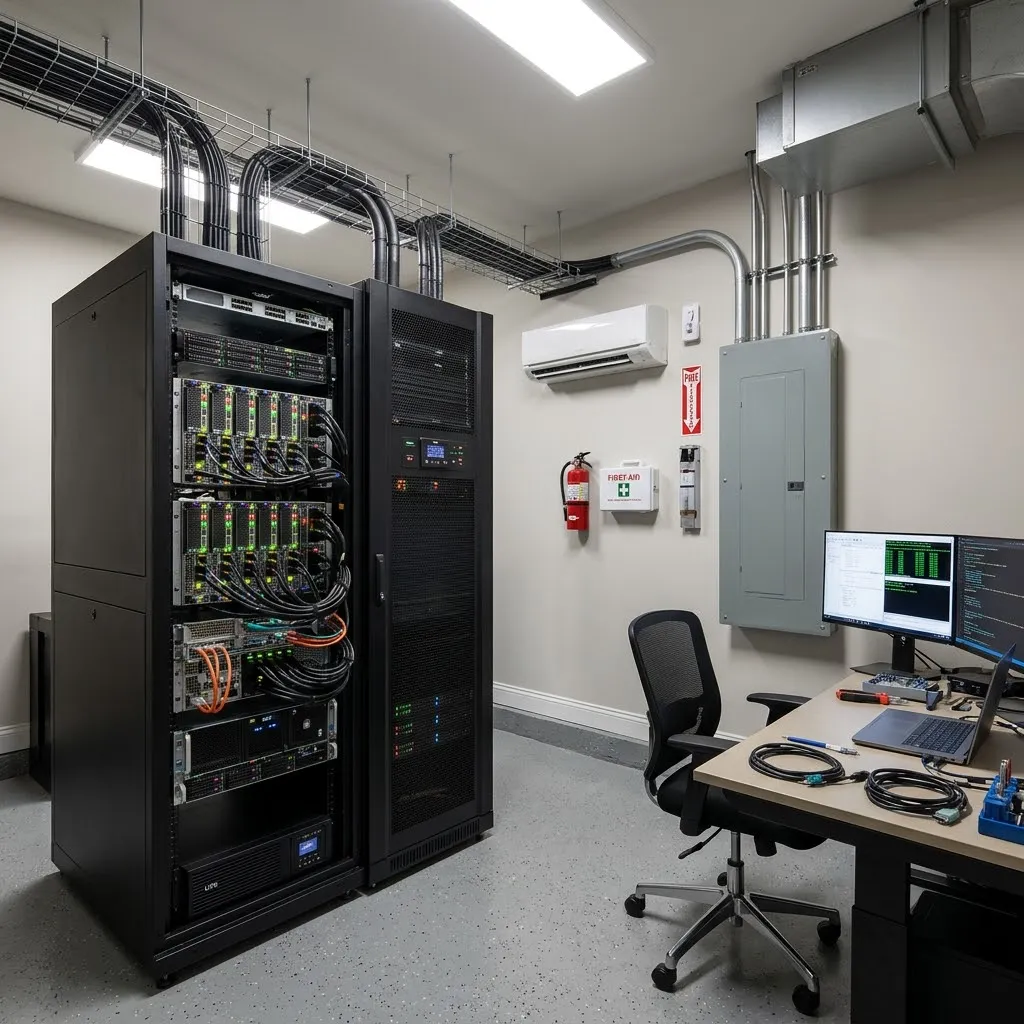
Most homes have single-phase 120/240 V service, commonly 200 A, which already feeds HVAC, appliances, and often an EV charger. Server loads run continuously, and continuous loads are sized at 125 percent of the running current, so a 30 kW room needs roughly 156 A of capacity on its own.
That often means a service upgrade and a dedicated subpanel with 240 V circuits matched to the server power supplies. Upgrades involve your utility, such as Austin Energy, so plan that coordination early in the schedule.
Plan Cooling That Runs Around the Clock
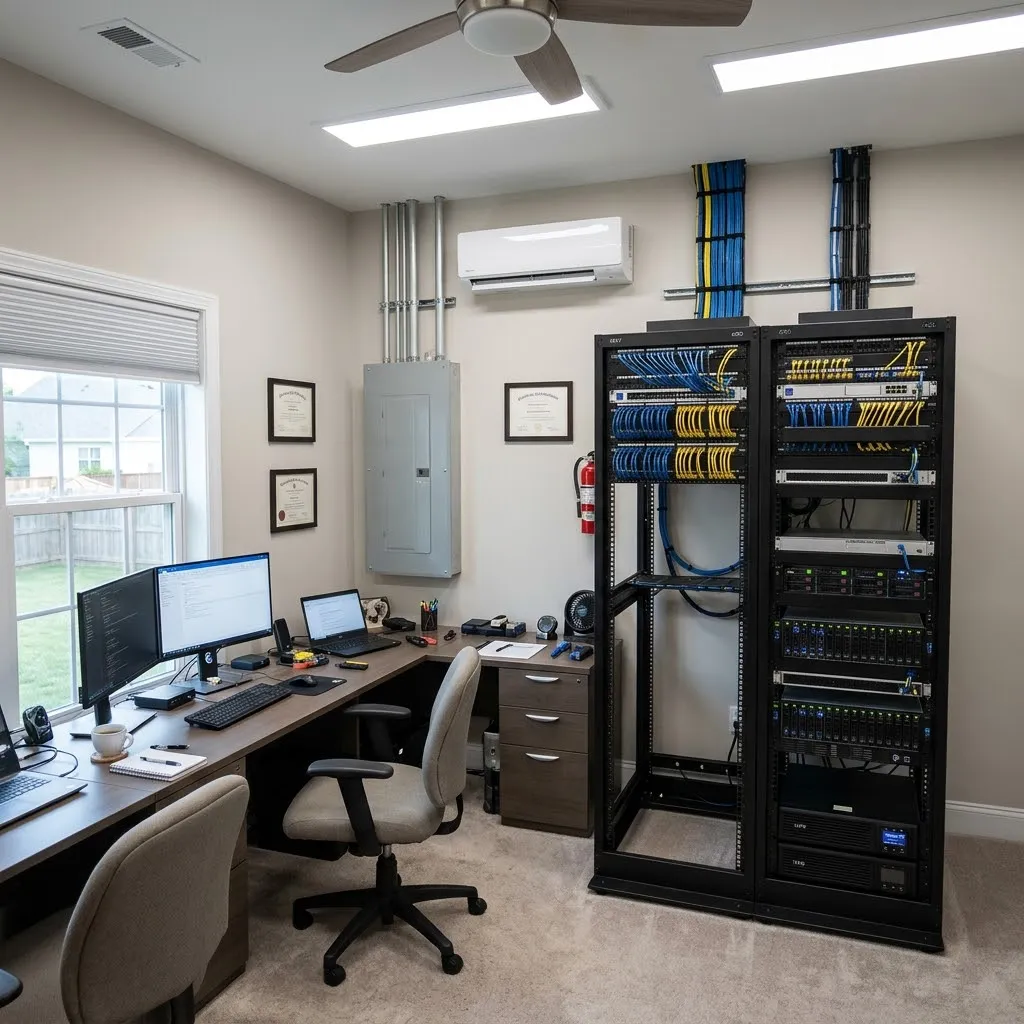
Every kilowatt of IT load becomes about 3,412 BTU per hour of heat. One ton of cooling removes 12,000 BTU per hour, roughly 3.5 kW, so a 10 kW room needs about 3 tons of dedicated cooling and a 50 kW room needs about 14 tons, before redundancy.
Residential central air is designed for comfort and is not sized for a constant heat load in one room. A server room needs its own cooling, separate from the house system, ideally with a second unit so one failure does not shut the room down. The densest GPU servers may also call for liquid cooling.
Protect It From Outages, Noise, and Heat Buildup
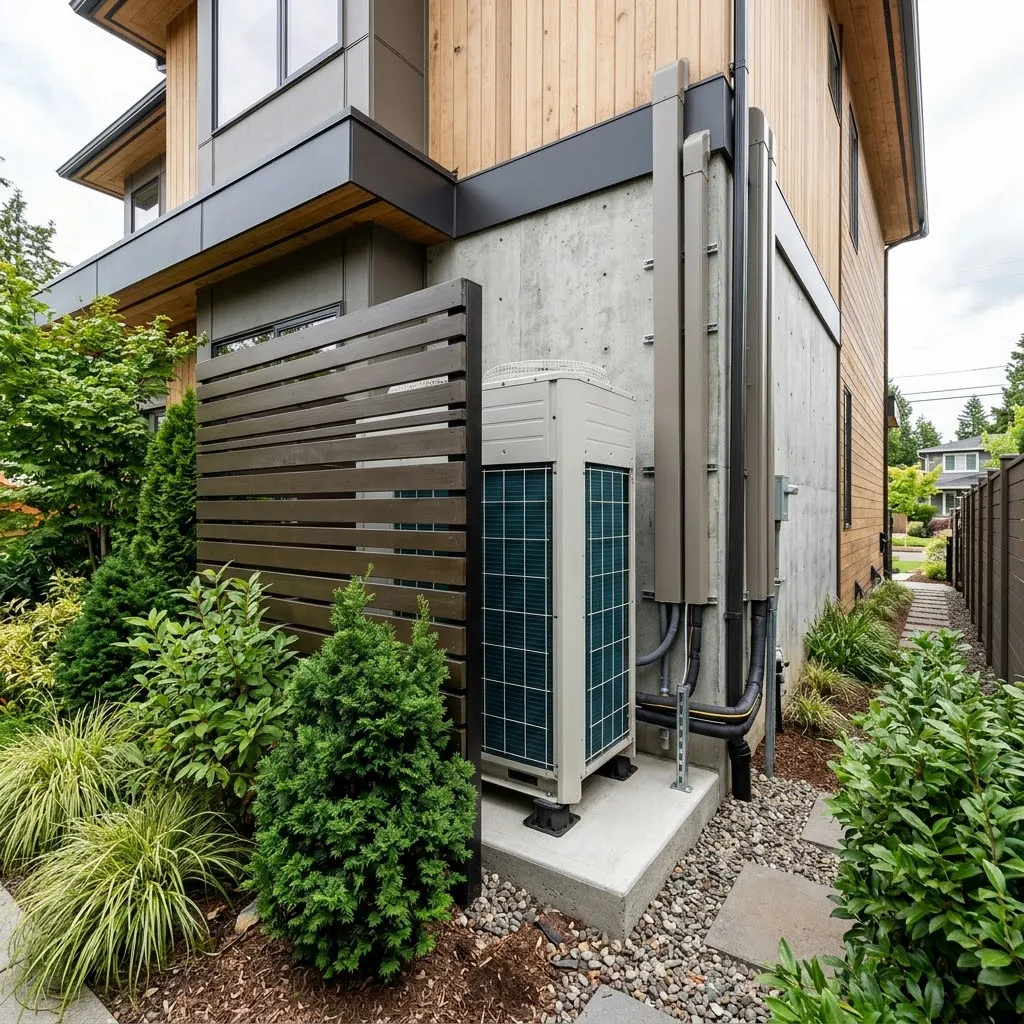
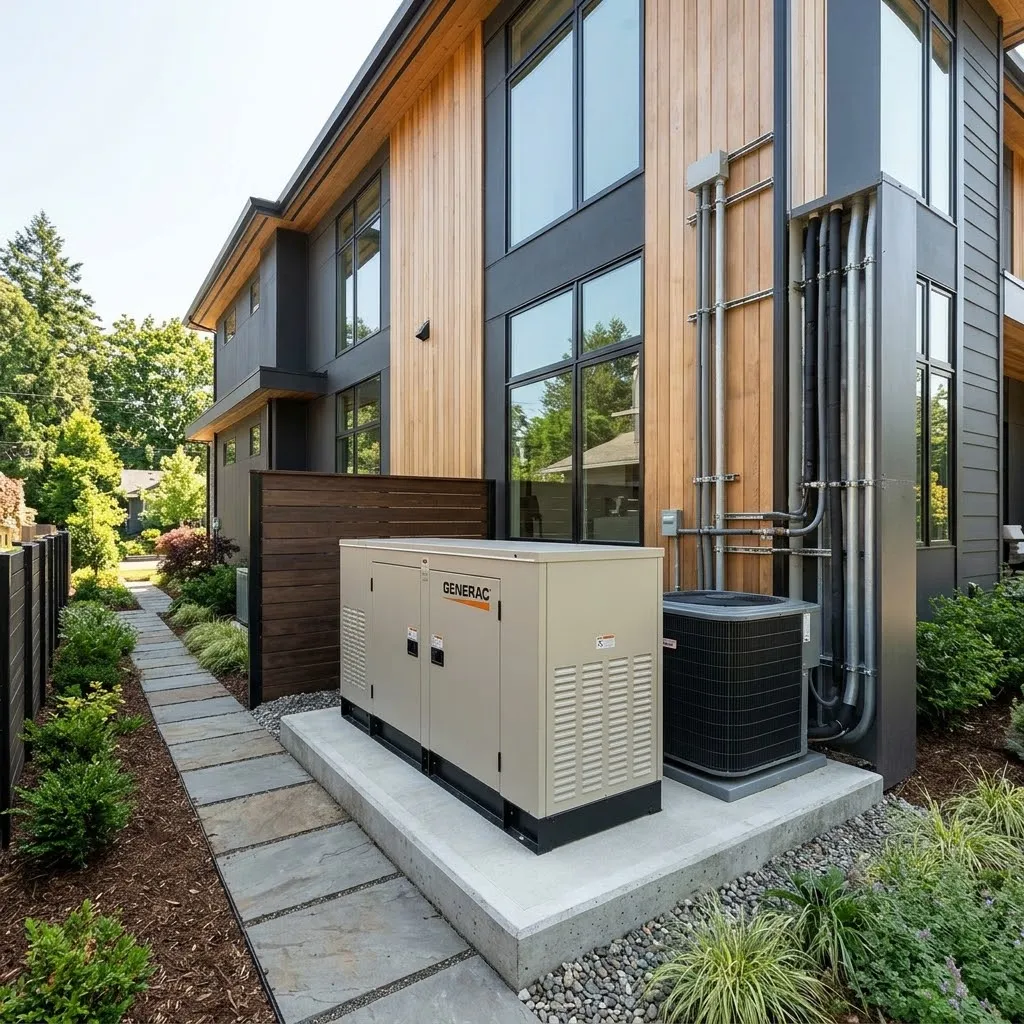
A UPS rides through brief interruptions and bridges the seconds before a standby generator starts. For long outages, a whole-home standby generator with an automatic transfer switch, or a battery storage tie-in, keeps the room running.
Choose a room away from bedrooms and living spaces. GPU servers are built for unoccupied data centers and are loud at full load, so plan a solid door and sound isolation. Add temperature, humidity, and leak monitoring so you hear about a problem before your hardware does.
Key Specifications
| IT Load | Heat to Remove | Approx. Cooling | Running Current at 240 V | Capacity Needed (125%) |
|---|---|---|---|---|
| 10 kW | 34,121 BTU/h | 2.8 tons | 42 A | 52 A |
| 20 kW | 68,243 BTU/h | 5.7 tons | 83 A | 104 A |
| 30 kW | 102,364 BTU/h | 8.5 tons | 125 A | 156 A |
| 50 kW | 170,607 BTU/h | 14.2 tons | 208 A | 260 A |
Rule-of-thumb figures for single-phase 240 V at unity power factor, before cooling redundancy and growth headroom. Cooling tons are the heat that must be removed; residential units deliver only part of their nominal rating as sensible (dry) cooling, so the equipment selected is usually larger. An engineered design based on your actual equipment sets the final sizes.
The Comp-Utility Difference
Why Comp-Utility?
Engineer-Owned and Operated
Comp-Utility is owned and operated by engineers, with licensed Texas Professional Engineers (P.E.) on staff. That rigor anchors every design, specification, and installation.
Turnkey, Single-Contract Partner
We sell, design, install, and maintain complete infrastructure end to end. One accountable team and one contract for power, cooling, distribution, and cabling.
Trusted Since 1992
We have designed, installed, and maintained mission-critical power and cooling infrastructure across Central Texas since 1992, through every generation of the technology.
24/7 Emergency Response and Preventative Maintenance
Our technicians provide preventative maintenance programs and 24/7 emergency response, with rapid on-site dispatch across Central Texas when facilities need us most.
Licensed, Certified & Recognized
We hold ourselves to the standards of the institutions we serve, from professional licensure and jobsite safety to the industry organizations that set the bar for mission-critical work.

Licensed Professional Engineers
State of Texas (TBPE)
OSHA 30 Certified
Field Technicians

AFCOM Member
Data center industry association

7x24 Exchange Member
Mission-critical infrastructure
Frequently Asked Questions
Can I build a server room in my house?
Yes, with the right planning. A home server room needs electrical capacity for a continuous load, dedicated cooling that runs 24 hours a day, backup power, and a location that contains noise and heat. Homes running local AI typically need 10 to 50 kW of capacity, which usually means new circuits, dedicated cooling, and often a service upgrade. An engineered design keeps those pieces in balance.
How much power does a home AI server use?
It varies widely with the hardware. A workstation with one or two GPUs may draw under 2 kW, a multi-GPU workstation a few kilowatts, and a single 8-GPU server 10 kW or more at full load. Size the room from the vendor-published maximum draw, not idle power, because AI workloads can hold GPUs near full power for hours at a time.
Do I need to upgrade my electrical panel for an AI server?
For a single workstation, often not. For a server room, usually yes. Continuous loads are sized at 125 percent of running current, so a 20 kW room needs about 104 A of capacity at 240 V, a large share of a typical 200 A home service. Most rooms need a dedicated subpanel and many need a service upgrade coordinated with the utility.
Can my home's central air conditioning cool a server room?
Generally not. Central air is sized for the whole house and designed for comfort, cycling on and off with the thermostat. A server room produces a constant, concentrated heat load of about 3,412 BTU per hour per kilowatt, around the clock. Dedicated cooling, separate from the house system, keeps the room stable without overworking or overcooling the rest of the home.
What size AC unit do I need for a home server room?
Divide the heat load by 12,000 BTU per hour per ton. Each kilowatt of IT load produces about 3,412 BTU per hour, so a 10 kW room needs roughly 3 tons of cooling and a 30 kW room about 8.5 tons, before redundancy. Many designs add a second unit so the room stays cool if one unit fails or needs service.
Do I need a UPS and a generator for a home server room?
For hardware worth protecting, yes. A UPS conditions power and carries the servers through brief interruptions and the seconds before a generator starts. A whole-home standby generator with an automatic transfer switch, or a battery storage tie-in, covers longer outages. Without both, a utility outage can interrupt a long AI job or force an unclean shutdown.
Where is the best place for a server room in a house?
Pick a room away from bedrooms and living areas, with space for the racks, the cooling equipment, and service access on both sides of the rack. A short path to the electrical panel reduces cost. Avoid rooms under bathrooms or near water lines, and confirm there is a practical route for refrigerant lines or condensate before committing to the location.
How loud is a home AI server room?
Loud. Data center servers are designed for unoccupied rooms, and GPU servers run their fans hard under AI workloads, loud enough to be heard through ordinary interior walls. Plan the room with a solid door, sealed penetrations, and sound isolation, and keep it away from bedrooms. Some all-in-one enclosures also reduce noise by containing the equipment.
Do I need an engineer to design a home server room?
It is strongly recommended once the load reaches several kilowatts. An engineer sizes the service, circuits, cooling, and backup together and catches limits before expensive GPU servers arrive. Comp-Utility has a licensed Professional Engineer on staff who can stamp the electrical and mechanical drawings for a home server room.
Who can build a home server room in Central Texas?
Comp-Utility, an engineer-owned power and cooling firm founded in 1992 and based in Austin, builds turnkey home server rooms for on-premises AI across Central Texas. We manage the full electrical and mechanical scope under one contract and partner with IT managed service providers for the IT side. Call (512) 346-0999 or email sales@comp-utility.com.